

 Travis Isaacs
The Hidden Revenue Stream: How Gift Cards and Add-Ons Boost Your Bottom Line
The Overlooked Opportunity Most studio owners spend their energy filling classes and booking appointments. That’s the core revenue, so it makes...

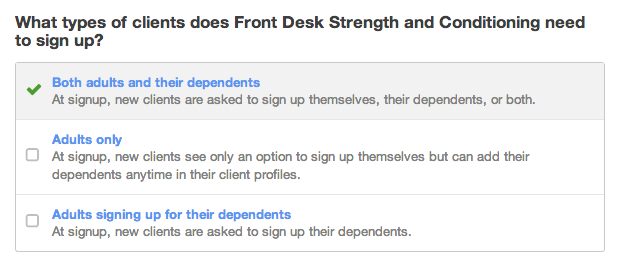
Does your business mostly serve children, or are your clients primarily adults? Your answer makes a difference in the way that your clients sign up on your Pike13 website.
Take a dance studio for children as an example. It will likely want to collect shoe size info for eachchild at signup but not for the adult managing the dependent’s account. On the other hand, a dance studio that serves only adults has no need for dependent signup and will probably want to turn it off completely.
Whether your business focuses on adults and children, adults only, or adults signing up their children (or group leaders signing up group members), we used to treat every client signing up with your Pike13 business the same way. Now, based on the types of clients you serve, you can customize how your clients sign up and the information you collect from them.
To make sure your client signup experience is just the way you want it, after configuring client signup you can take it for a test drive before you release it to your clients—no need to create a throwaway account—and then come back and refine it if it needs tweaking.
To get started, at the top of any Pike13 page go to Settings > Advanced Settings > Client Signup, and under What types of clients does your business need to sign up?, click or tap Edit.
From there, it’s straightforward—just choose the signup process that best suits your business and your clients:
We’ve also made it easier to customize the type of information you collect during client signup, giving you the flexibility to require different info from dependents, adults, and staff.

The Overlooked Opportunity Most studio owners spend their energy filling classes and booking appointments. That’s the core revenue, so it makes...

Protect your business and client data from unauthorized access with multi-factor authentication—a critical security layer that goes beyond passwords...

 Monica B.: Jul 20, 2023
Whether you run a fitness studio, yoga center, or any other membership-based business, managing registrations, payments, and customer data can be...
 admin : Nov 20, 2012
We've added support for uploading a cover image for your business. Just go to Business Settings > Branding. You're cover image is displayed alongside...
 Rui Zhang : Nov 07, 2019
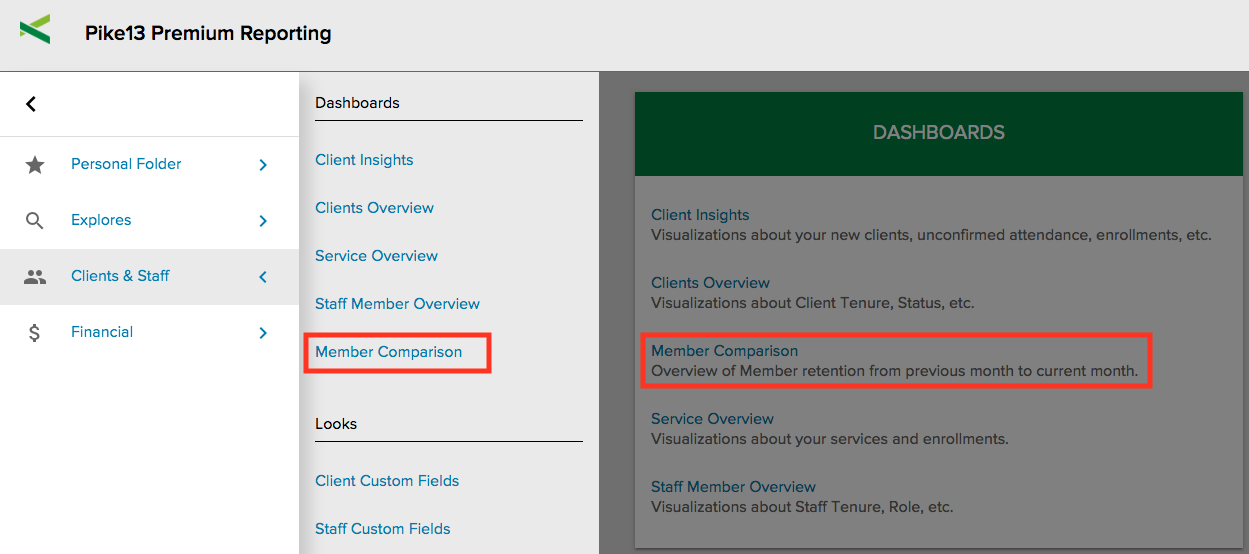
Client retention rate is one of the best measures of business health. Loyal clients mean fewer dollars spent on marketing efforts, increased personal...
 Katie Zacharkiw : Mar 19, 2020
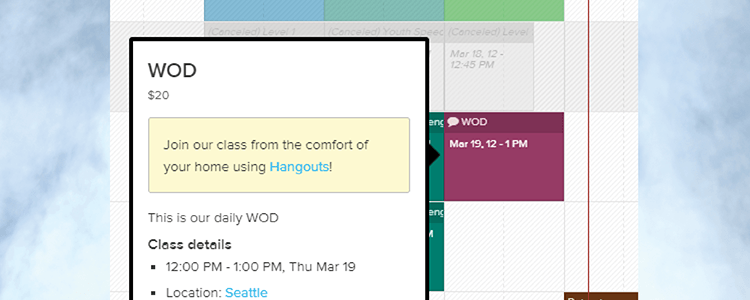
In response to COVID-19 policies that are temporarily closing our customers’ facilities around the world, Pike13 will be rolling out new features and...