

.png) Rachel
Rachel

The Hidden Revenue Stream: How Gift Cards and Add-Ons Boost Your Bottom Line
The Overlooked Opportunity Most studio owners spend their energy filling classes and booking appointments. That’s the core revenue, so it makes...


Whether you have 5 or 5,000 clients, keeping your client list up-to-date and organized in your Pike13 business not only takes full advantage of your client management software, but helps you in the long run, too. Once your clients are organized, you can keep track of specific groups and communicate directly with them in email campaigns
You can collect any and all information you need by creating custom fields. For example, you might want to:
How to create custom fields for segmenting your clients
Click Settings, and then click Advanced Settings.
In the right menu under Client Signup, click Custom Fields.
Click + New Custom Field.
For each custom field, you can choose the format of the client's answer—freeform text, a date, yes or no, or a list of choices that you define. Pike13 also lets you decide if an answer is required or not.
TIPS
Try to keep your sign-up process simple and brief so that new clients aren’t overwhelmed. Just make sure that you’re requiring the information that you need.
Keep tabs on your clients without requiring any additional work from them by creating custom fields that are hidden from your clients.
See your custom fields in action from your clients’ perspective by clicking Try it Out on the Client Signup page in Advanced Settings.
Secondary Client Info
Once you’ve created your custom fields and edited the requirement settings, you can get started on organizing the client info. You can use one of these custom fields as your Secondary Client Info to have it show up next to the client’s name in your client list. This will help you quickly see important info about the client without having to click into their profile.
Having this info at the ready in your client list can be really helpful. For example, if your clients belong to different teams or play different instruments, you can have this field set as the Secondary Client Info
How to add Secondary Client Info for segmenting your clients
Click Settings, and then click Advanced Settings.
In the right menu under Client Signup, click Custom Fields.
Click Secondary Client Info, and then choose the client info that you want to appear below a client's name from the list provided.
Now that you’ve created your Custom Fields and Secondary Client Info, get ready to reap the rewards of your efforts. Check out the client info you've made visible in your client list, your reports, and MailChimp to inform your next moves. Stay tuned for our next post on how to use these features to your advantage!
For even more tips, read part 2 of this post.

The Overlooked Opportunity Most studio owners spend their energy filling classes and booking appointments. That’s the core revenue, so it makes...

Protect your business and client data from unauthorized access with multi-factor authentication—a critical security layer that goes beyond passwords...

 Monica B.: Jul 20, 2023
Whether you run a fitness studio, yoga center, or any other membership-based business, managing registrations, payments, and customer data can be...
 Nicki : Sep 19, 2013
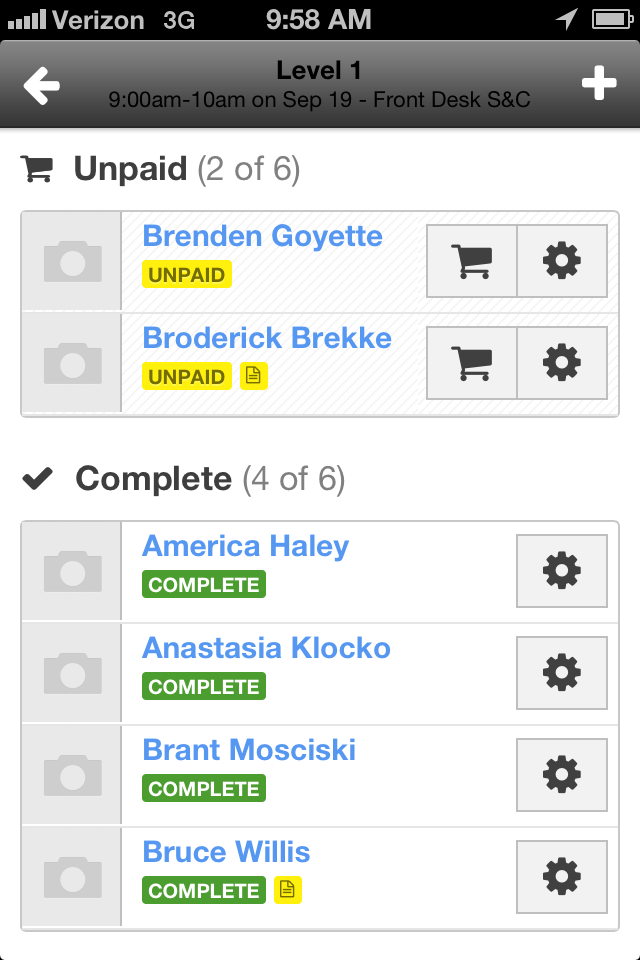
First, let me be clear: I don’t want to suggest that you have dishonest clients or that anyone would intentionally steal from your place of business....
 Katie Zacharkiw : Nov 02, 2016
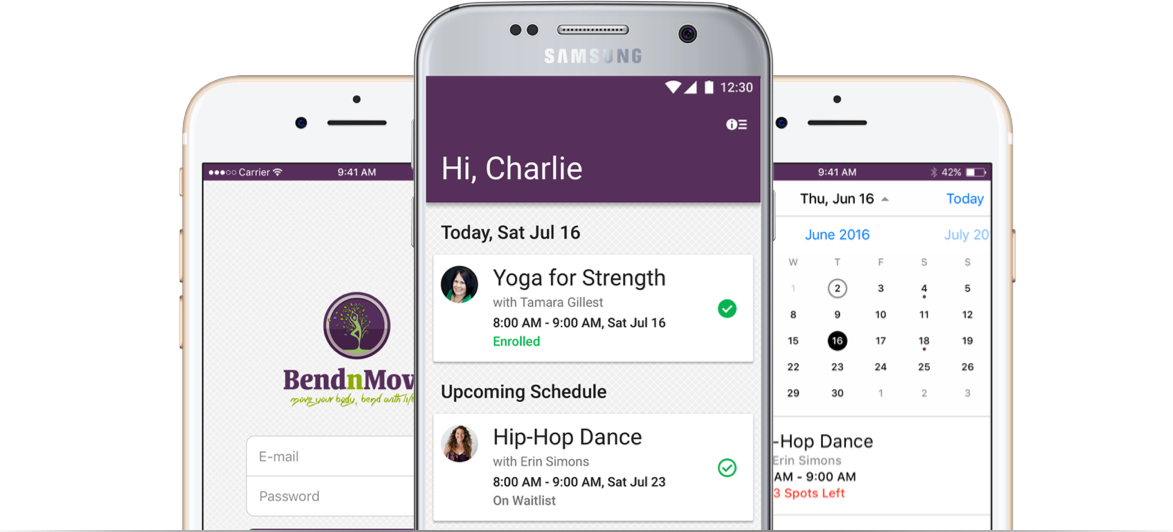
Have you ever thought about getting a branded app for your business? With adults spending nearly three hours everyday on their smart phones, it can...

Nicki : Apr 15, 2013
Picture this: Your business is humming. Clients are bringing their friends. There's a buzz about your place. And by the way, revenue's growing. It's...